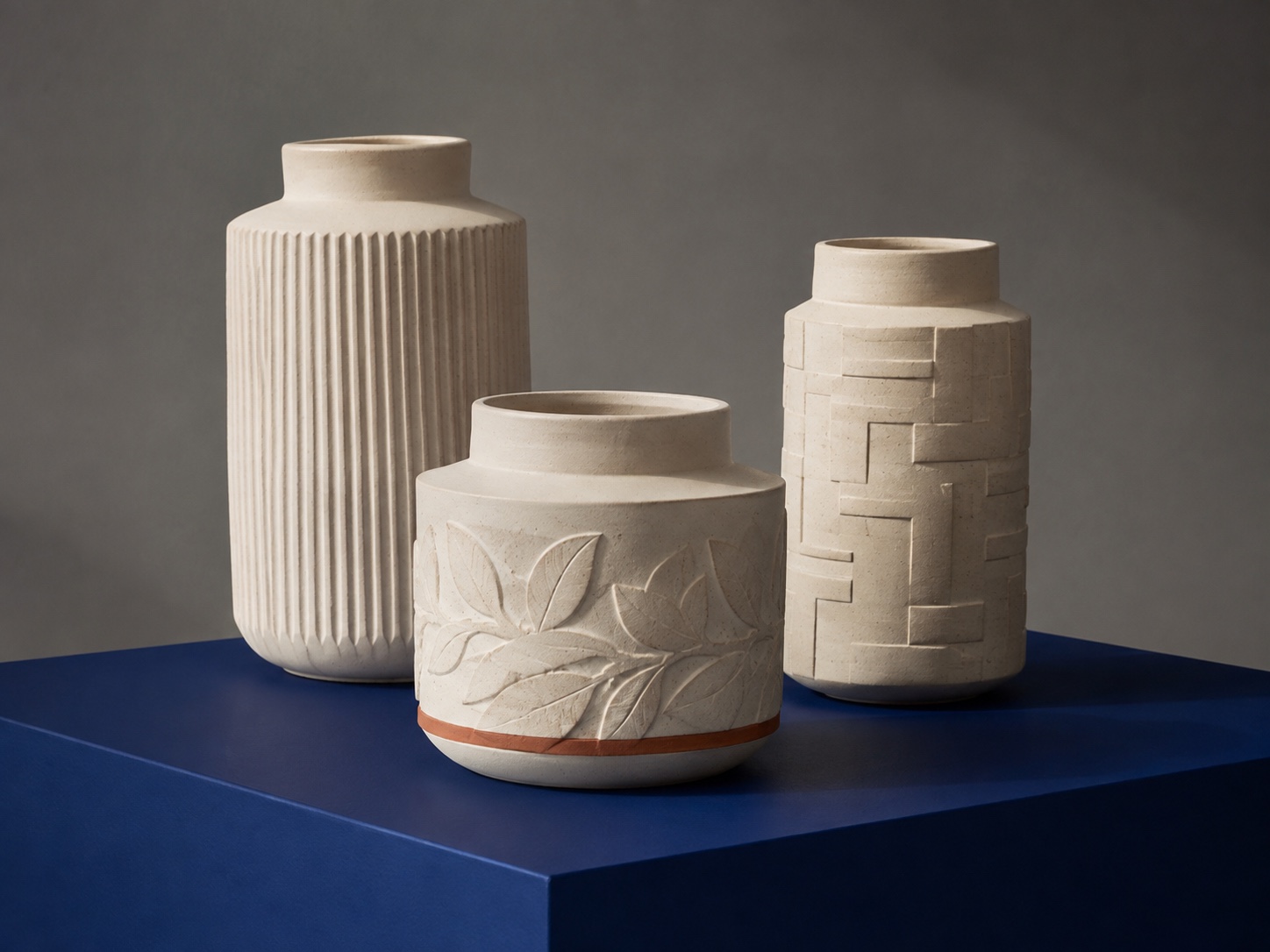
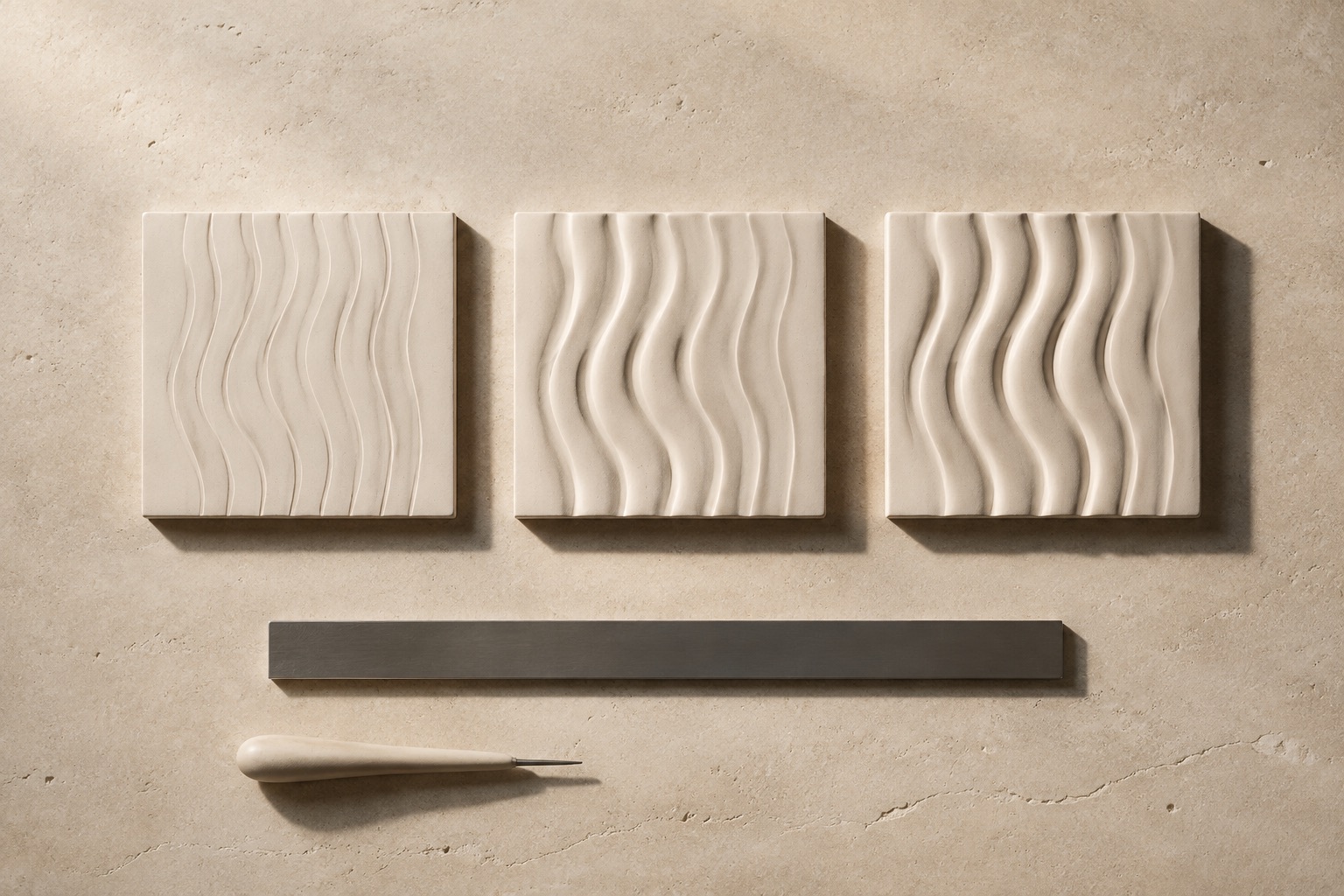
Plate 01—AWave relief / raking lightAI concept study
InputGrayscale height field
FeedbackLive lit geometry
Output3D vessel model
ExportSTL mesh
00 / Proposition
A depth map is a plan for a surface.
It is waiting for material.
BLACK / LOWWHITE / HIGH
Every pixel becomes a physical decision: height, edge, shadow, release.
01 / Apparatus
Two instruments. One continuous surface.
The surface workbench edits the depth map; the form workbench builds the ceramic body. They share the same material logic, so the idea stays legible from source to object.
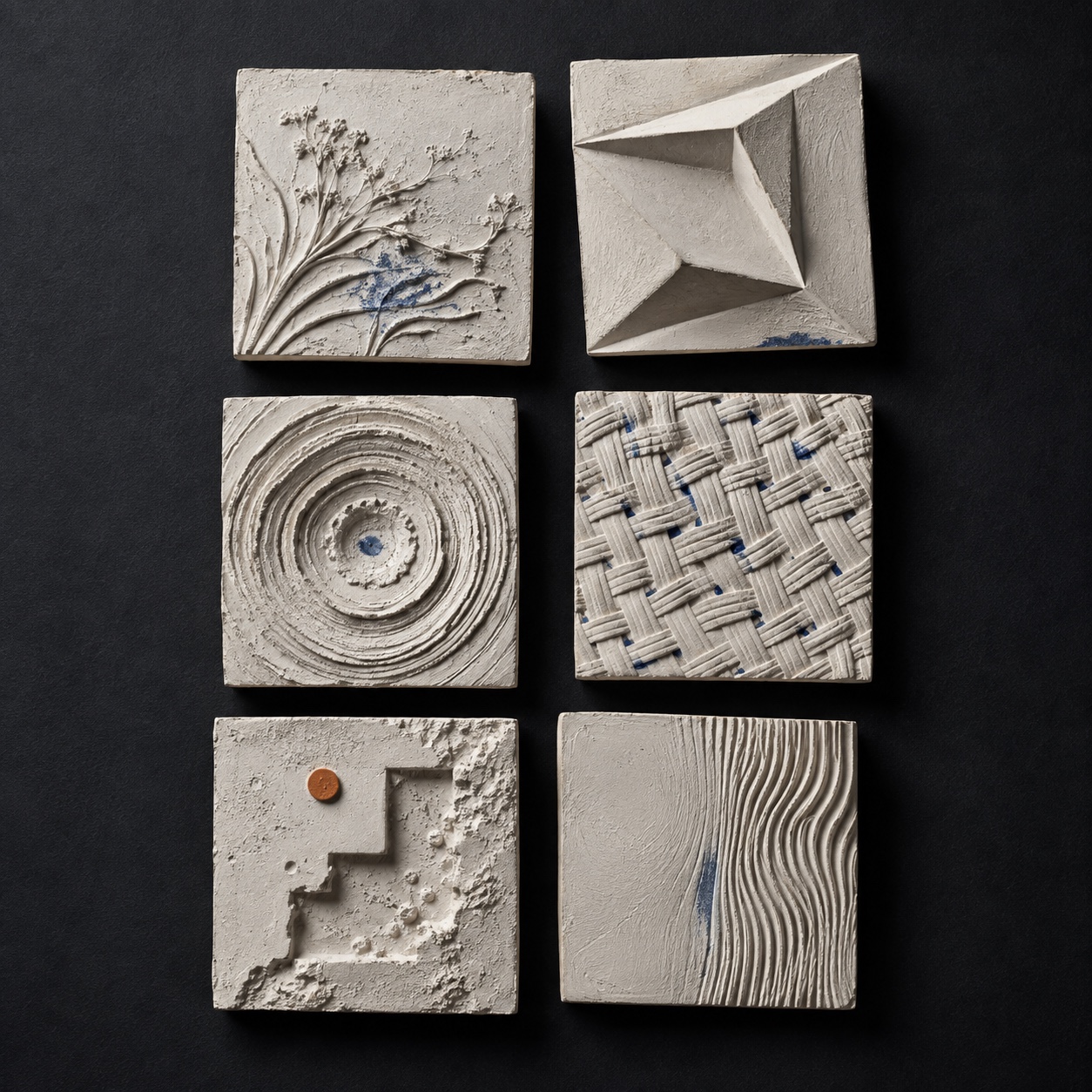
Concept plate / surface atlas
Instrument 01—S
Surface workbench
Paint, layer, generate, blend, crop, remap, and test the height field while its lit relief stays in view.
Relief study / 02—MShallow → pronounced / AI concept
01
Encode
Build the grayscale field from reference, drawing, type, pattern, or generation.
IMAGE → HEIGHT
02
Interrogate
Move the light, orbit the mesh, cut a section, and tune what the surface actually does.
HEIGHT → SHADOW
03
Form
Place the resolved relief on the ceramic body and export the closed model.
SURFACE → OBJECT
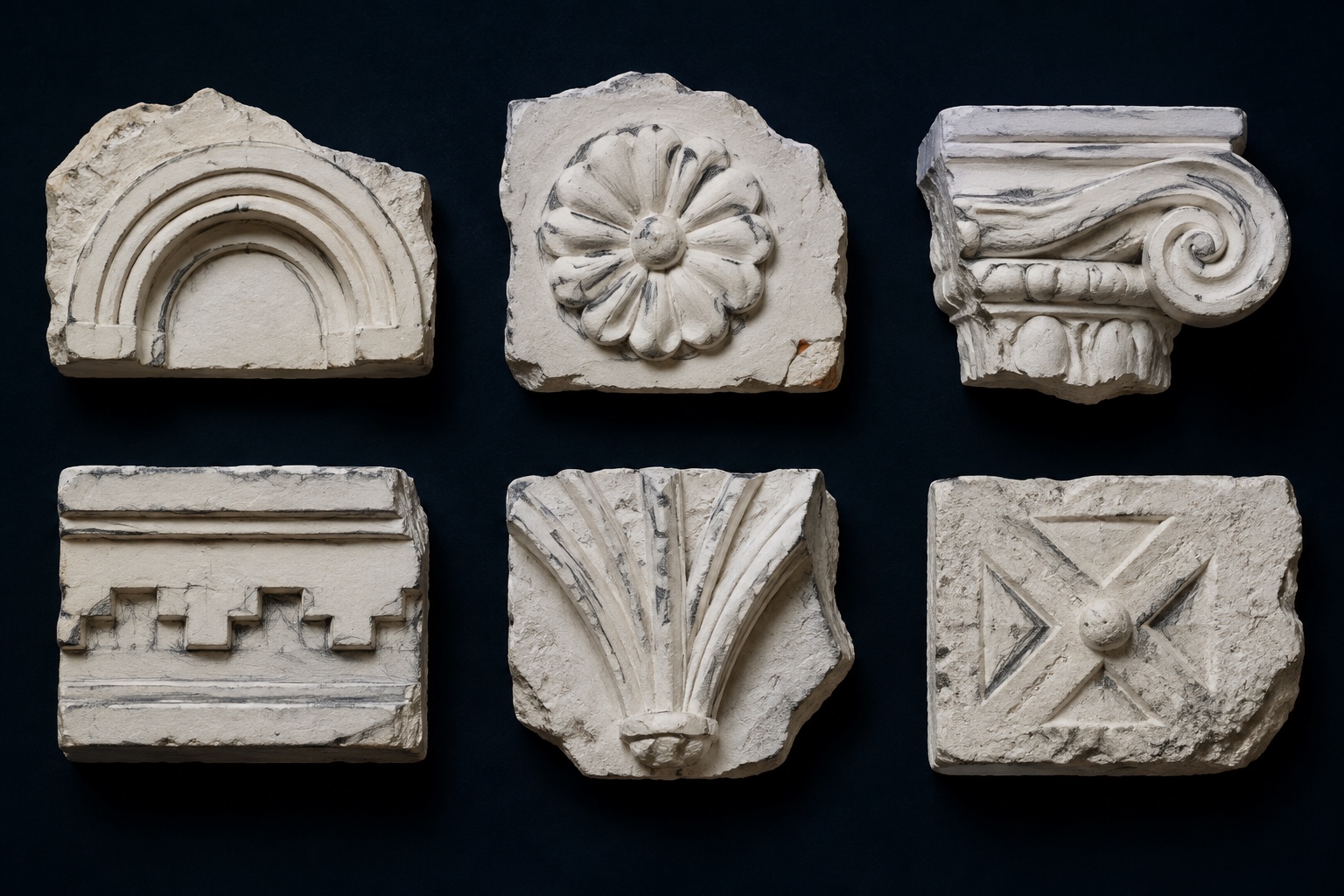
Plate 06 / Architectural concept study
Ornament you can name.
A Persepolis rosette, a Maya mask, a Manueline knot, a Horta capital. FORM keeps a growing library of ready reliefs, cast in plaster and measured into true depth maps, from the capitals, bosses and corbels of every period and culture. Search it by name, open the relief in 3D, and place it on your vessel as a layer you can still scale, turn and blend.Browse the library
Range
Egypt to Art Deco, five continents
Each relief
Render, 16-bit depth map, mask
Use
One click onto the vessel
FORM / OPEN WORKBENCH
Start with an image. Leave with a form.
Build the surface first, or begin directly with the ceramic body.

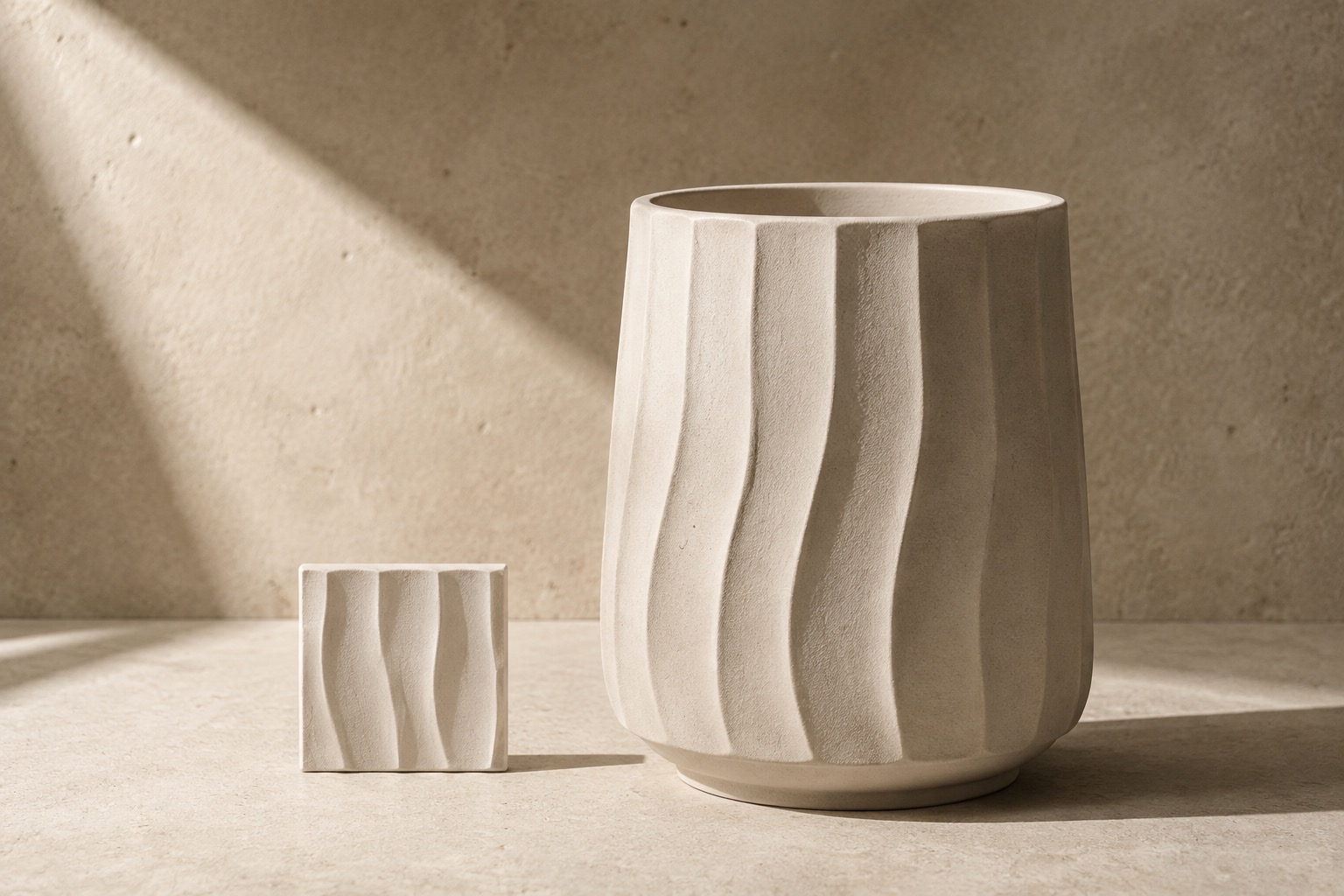
 Concept plate / surface atlas